
Automatic charge reports with NRGkick
NRGkick’s automatic charging reports not only help you keep track of all your charging expenses, but are also ideal for accounting for charging expenses. For example, if you have a company car and also charge at home and on the road, you can easily get reimbursed for the amounts charged based on the charging reports.
How do automatic load reports work?
When you charge your e-car with NRGkick, NRGkick collects all the important data – for example, charging time and amount of energy charged. NRGkick charging reports are like a diary of your charging sessions.
The data is stored on the NRGkick and transferred to the Cloud once an Internet connection is established. The data is then available through the NRGkick app and can be recalled as a load report.
What are the benefits of NRGkick charge reports?
- Easy operation of loading unit and reports
- Automated transmission of individual charge reports possible
- Send by email to desired email address
- Possible as PDF and/or CSV files
- Load reports are stored in the cloud and are not lost
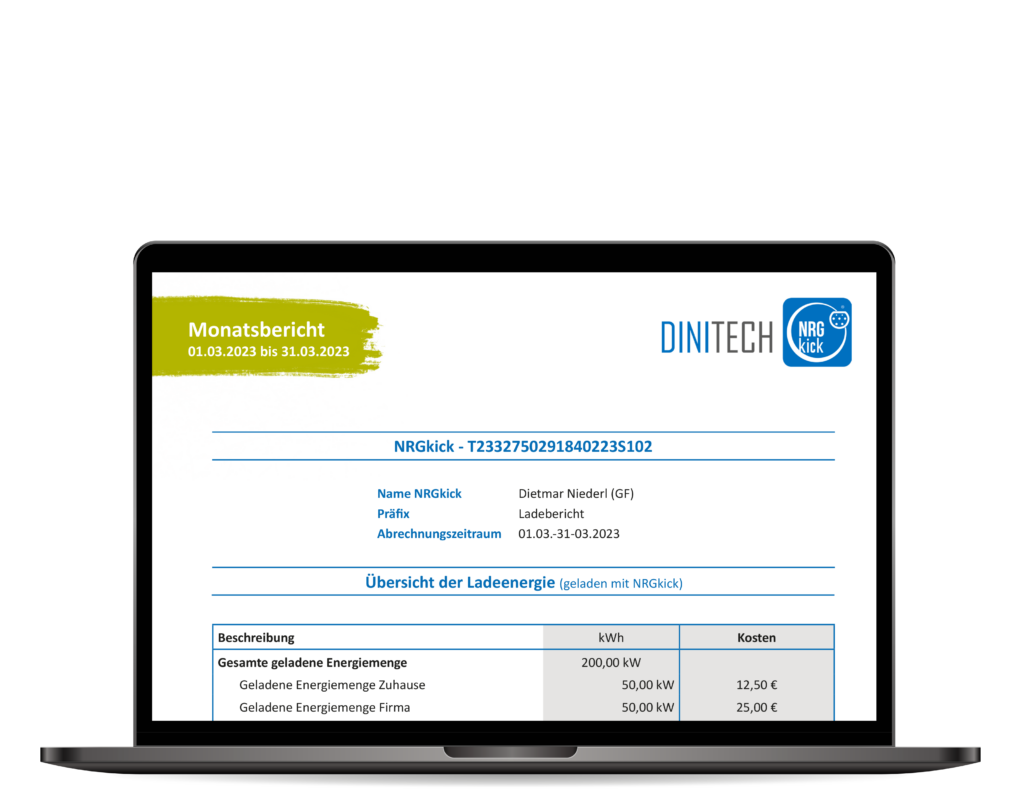
Some load report features
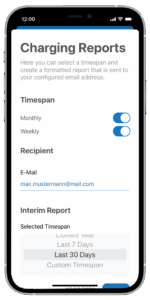
How do I generate a charge report through the app?
Loading reports can be requested at any time free of charge via the NRGkick app. Here, the desired time period for which the charge data should be displayed can be entered and an e-mail address to which the report should be sent can be saved.
Users can retrieve a report at any time for a pre-selected time period (e.g., current week, last week, current month, last month, last 7 days, last 30 days, current year, etc.). Load reports can be retrieved as PDF and/or CSV files.
In addition, users can set up automatic weekly and/or monthly transmission of load reports, with load reports automatically sent at regular intervals.
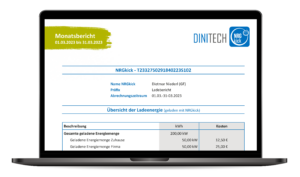
What data is on an NRGkick charge report?
The NRGkick charging reports contain a wide range of information about the charge performed, which is especially important for charging invoices and refunds. This includes, for example, the amount of kWh charged, the timing of the charging events, the share of renewable energy in the total amount of energy charged and much more. If NRGkick is connected to a named WLAN while charging, the charging location is also displayed.
In addition to the load data, the NRGkick load report includes graphical overviews that provide a quick overview of the loads.
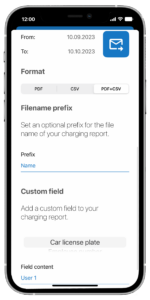
Personalize as you wish!
To make the billing process even easier using NRGkick charge reports, user-defined fields can be added to the reports. For example, employee vehicle registration number or employee number can be included.
In addition, load reports can be individually named with a file name as a prefix to make the documents easier to distinguish.